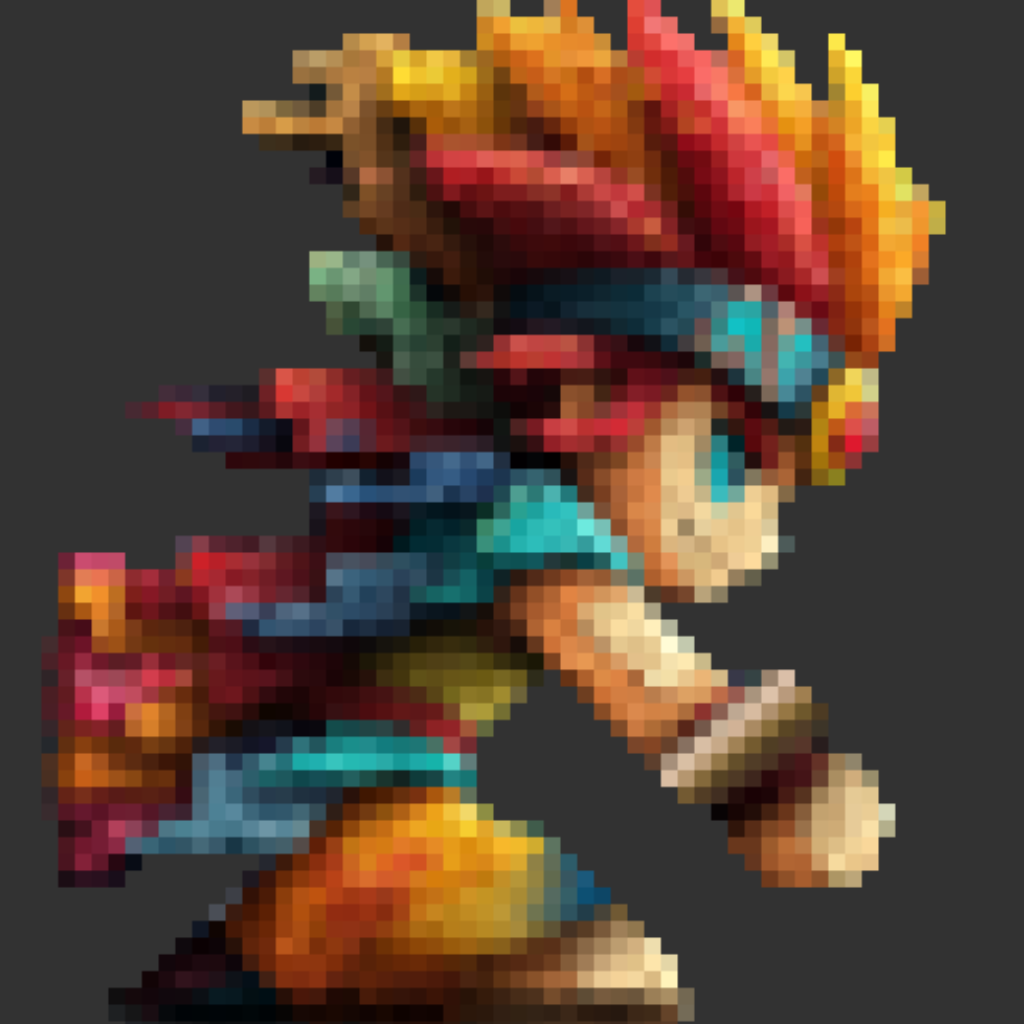
SpriteFrame
A pixel art and sprite creation app built for iPad.
SpriteFrame is a pixel art and sprite creation app for iPad. Whether you are creating game assets, pixel art illustrations, or animated sprites, SpriteFrame gives you the tools you need in a touch-first, iPad-native interface.
Key features
- Photo to pixel — drop in a photo and convert it with blue-noise dithering.
- Multi-frame canvas — manage poses, walk cycles, and variations in a single project, with animation timeline and FPS control built in.
- Sprite-friendly layers — non-destructive layers with blend modes and opacity.
- Game-ready export — export a sprite sheet PNG or an animated GIF (Pro), at 1× / 2× / 4× / 8× scaling.
- Any canvas size — from 8×8 tiles up to 256×256 on Pro.
- iPad-first ergonomics — Apple Pencil support, plus finger and stylus controls tuned for pixel work.
Who it is for
- Indie game developers building sprites and tilesets
- Digital artists working in pixel form
- UI designers crafting tiny icons and glyphs
- Hobbyists learning pixel art on iPad
What to read next
- Install the app — Installation
- Learn the basics — Basic Usage
- Explore features — Drawing Tools, Layers, Frames and Animation, Import from Photo, Exporting Your Work
- Common questions — FAQ
- Something not working? — Troubleshooting
- Send feedback or report an issue — Support