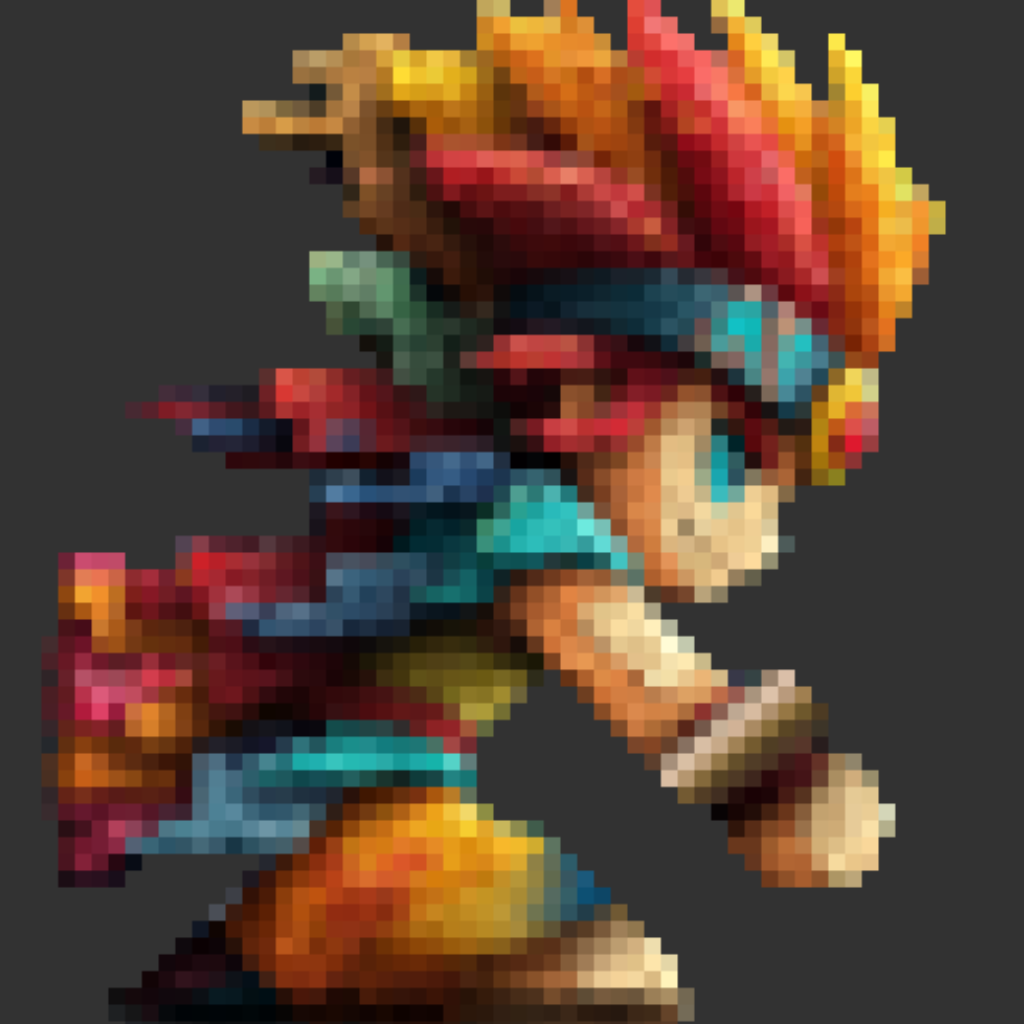



Pixel work,
iPad fast.

Draw sprites, stack frames, ship sheets. A pixel-art studio that fits on the tablet you already carry — and a price that doesn't ask for your card every month.

256×256
max canvas
export scale
frames in Pro
¥0
subscription

Drawing tools that fit
Eight tools — pencil, eraser, fill, line, rectangle, circle, replace, and move — tuned for pixel grids and one-tap reach on iPad.
Layers & blending
Multi-layer per frame with blend modes. Build up details without burning bridges.
Frame stacking
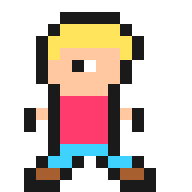
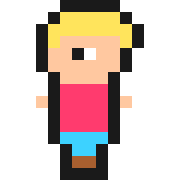
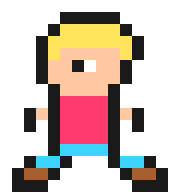
Pose A, pose B, walk, idle — stack frames in one canvas and animate them in place.
Engine-ready output
Export a sprite sheet PNG at 1× to 8×, or an animated GIF on Pro. Works with Unity, Godot, and any engine that reads PNG.

The editor · 01

A real pixel editor that fits one hand.

Tools right where your thumb lives. A canvas big enough to actually draw on. Zoom from the side panel, undo from the top toolbar — one tap, never lost.

  • Eight drawing tools
    Pencil, eraser, fill, line, rectangle, circle, replace, and move — tuned for one-tap reach on iPad.
  • Custom canvas sizes
    8×8 favicons to 256×256 hero sprites. Pro adds the larger sizes.
  • Symmetric drawing
    Mirror across X / Y — coming soon.
  • Apple Pencil
    Draw with Apple Pencil today — pressure sensitivity is coming soon.
Frames · 02

Every pose your character will ever need, in one project.

Stack walk cycles, idles, attacks, swaps. Tap to edit. Adjust FPS and loop. Export the whole thing as a sprite sheet your engine reads on day one.

hero_walk.png8 frames · 8 fps · loop
▶ PlayOnion skin
01
02
03
04
05
06
07
08
Made in it · 04

Yesterday's idea. Today's sprite sheet.

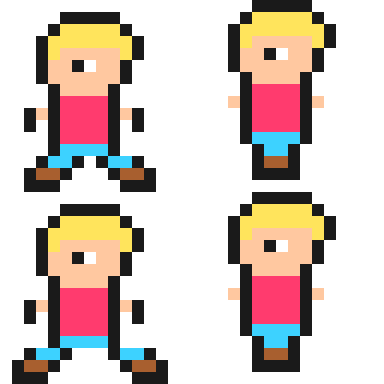
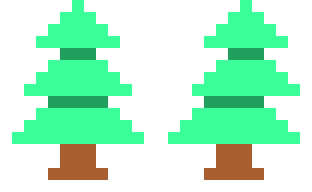
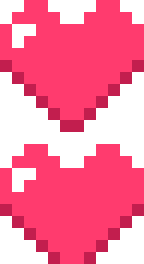
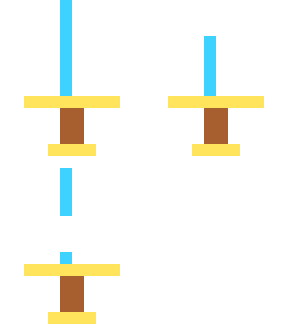
Eight sprites pulled straight out of recent projects. Every one of them started as a sketch on the train, a photo of a friend's pet, or a half-thought scribble.

00116×16
HERO_RUN_01.png
00213×16
TREE_PINE.png
00312×11
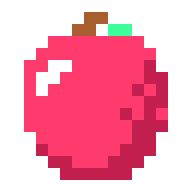
HP_HEART.png
00412×12
COIN_GOLD.png
00512×14
BLADE_STEEL.png
00613×12
POW_MUSH.png
00712×14
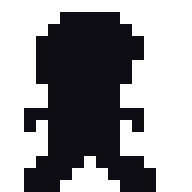
NPC_GHOST.png
00812×15
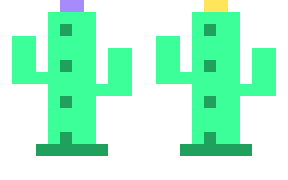
PROP_CACTUS.png
Bonus · 05

And when you'd rather start from a photo —

Drop it on the canvas. Pick a palette. Get a dithered starting sprite to refine by hand. Not magic — just a sensible head start.

Dithering
Blue Noise
Locks to
Any palette you choose
Use cases · 06

Built for the work you actually ship.

INDIE GAME DEV
Walk cycles drawn on the train.
Manage every pose in one project. Export as a sheet your engine reads on day one.
ICONS & UI WORK
From 8×8 to 48×48, same kit.
Tiny canvases with crisp 8× export. Share a palette across the whole set.
SIDE PROJECTS
Pixel-fy a friend's photo.
Wedding gifts, pet portraits, profile pictures. Whatever. Your colors, your call.
Pricing · 07

One purchase. No subscription. Ever.

Start free. Upgrade once when you outgrow it. Future features are included — no add-ons, no upsells.

Free
¥0
Get a feel for it.
  • Up to 8 frames
  • Up to 3 projects
  • 32×32 canvas
  • Photo → pixel conversion
  • Sprite sheet PNG export (1× / 2×, up to 256×256)
Free download
★ PRO
Pro
One-time
Buy once, use forever.
  • Unlimited frames
  • Unlimited projects
  • Up to 256×256 + custom sizes
  • High-resolution export (4× / 8×)
  • No export resolution cap
  • Animated GIF export
  • Non-destructive layer outline effect
  • Every future feature included
Upgrade in-app
Ready when you are

Make something only
you can make.

Download free and start drawing today. Upgrade to Pro once — own it forever.
↓ Download for iPadFree · iPadOS 17+