



メインコンテンツへスキップ

Create Pixel ArtFaster Than Ever

Transform photos into pixel art instantly on your iPad. Perfect for game developers, artists, and creators.

Download on the App Store
FreeFree download, ready to use
SpriteFrame pixel art creation interface

Powerful Tools for Pixel Artists

Everything you need to create stunning pixel art

🎨

Photo to Pixel Art

Instant transformation

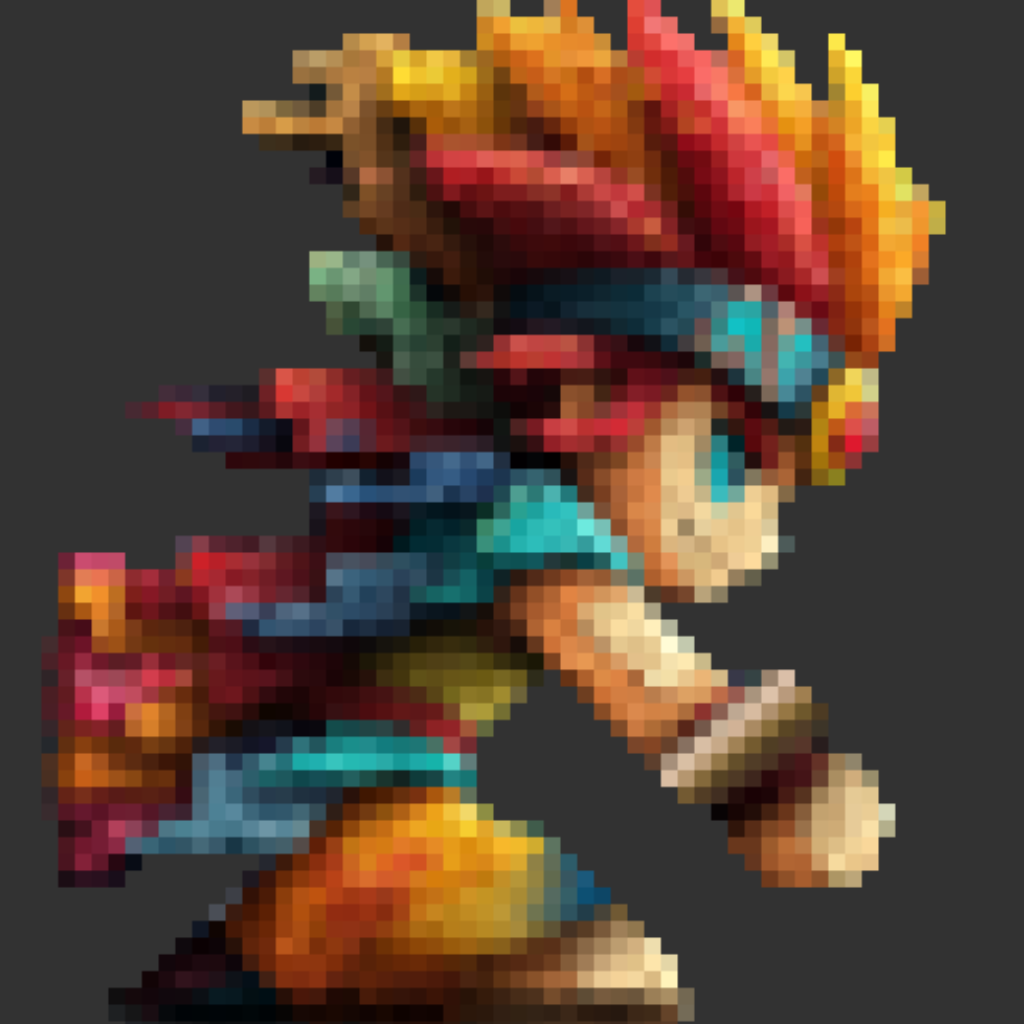
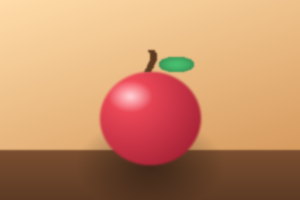
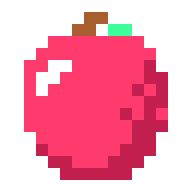
Drop your photos and watch them transform into beautiful pixel art. Multiple dithering algorithms preserve important details while creating authentic retro aesthetics.

🖼️

Layer System

Professional composition tools

Work with multiple layers, blend modes, and opacity controls. Create complex artwork with non-destructive editing for maximum flexibility.

🎬

Multi-Frame Management

Organize animations effortlessly

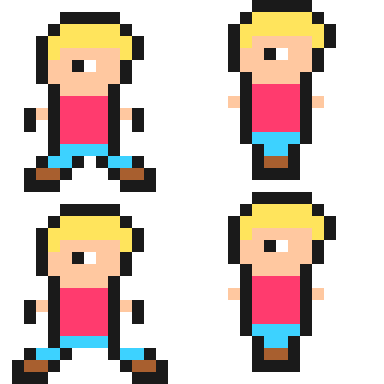
Manage multiple frames in one project. Create smooth animations, character variations, or sprite sheets - all in one intuitive workspace.

📤

Professional Export

Game-ready output formats

Export your creations as PNG sequences, sprite sheets, or individual frames. Perfect resolution scaling from 1x to 8x for any platform.

Experience You'll Get

Less tedious work, more creative focus

📸

Photos to Pixel Art Instantly

Just drag your photos. Convert to pixel art instantly without tedious manual work.

🎮

Game Assets Ready on the Spot

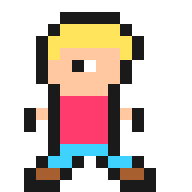
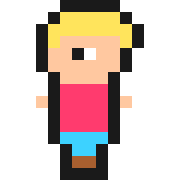
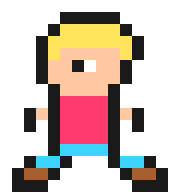
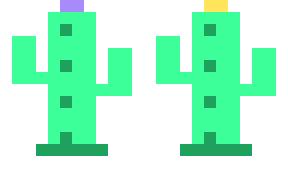
Manage character poses A, B, C in one canvas. Export as sprite sheets for immediate use in game engines.

🆓

Start for Free

Free download. Use up to 8 frames and 3 projects for free. Try it first.

✏️

Comfortable Editing on iPad

Large canvas for detailed pixel editing. Apple Pencil support coming soon for even more intuitive experience.

📐

Flexible Canvas Sizes

From retro 8×8 icons to 256×256. Pro users can create custom canvas sizes for any project requirement.

💰

One-time Purchase, No Subscription

Pro version is also one-time purchase. No monthly fees. Buy once, use forever.

Try Free First

Upgrade to Pro when you need more

Free

Free

$0
  • Up to 8 frames
  • Up to 3 projects
  • 32×32 canvas
  • Basic export features
  • Photo→Pixel art conversion
Pro

Pro

One-time

In-app purchase

  • Unlimited frames
  • Unlimited projects
  • Up to 256×256 & custom sizes
  • High-resolution export
  • 4x・8x scale output
  • All future features

Use Cases

Various creative scenes

Indie Game Development

Efficiently create character pose variations

Example: Manage character pose A (front), pose B (side), pose C (back) in one project

Icons & UI Assets

Pixel art icons for apps and websites

Example: From tiny 8×8 icons to 48×48 button assets

NFT & Art Projects

Pixel art works based on photos

Example: Convert pet photos or landscape photos to pixel art style

Getting Even Better

Adding features based on user feedback

Soon

Apple Pencil Support

More intuitive drawing experience

Soon

AI-Powered Conversion

Higher quality photo→pixel art transformation

Soon

Animation Timeline

Professional animation tools with onion skinning

Start Creating Today

Free download, ready to use

Download on the App Store

Designed for iPad